To block or reduce EMF radiation effectively, identify the source first. For wireless RF, the most direct methods are turning off an unneeded transmitter, increasing distance, using a wired connection with unnecessary radios disabled, and placing a suitable conductive barrier across a chosen path. Low-frequency magnetic fields from mains wiring and transformers require a different approach.
You do not need to change an entire room at once. Start with the source closest to where you spend time, make one practical change, and compare the result under similar conditions. The following five methods explain what each step does and when it is useful.
1. Identify the source and the type of field
EMF includes electric fields, magnetic fields, and radiofrequency fields. A wireless router, a charging transformer, and household wiring do not create identical measurement problems. A meter may have separate modes for these fields, and a device designed for one range may miss another entirely.
Write down the source, its distance from you, when it operates, and what you want to change. For Wi-Fi, check the relevant bands and whether a mesh system has multiple nodes. For a mains-frequency concern, distinguish an appliance that can be moved from fixed wiring that should be assessed by a qualified professional.
If you measure, record the instrument and unit. W/m² describes incident power density, V/m electric-field strength, and units such as µT magnetic flux density. A phone's W/kg SAR figure is another quantity. Comparing different units as though they were the same exposure number leads to unreliable decisions. Our EMF science guide explains the basic terms.
2. Turn off transmissions you do not need
Source control can be very direct. Disable an unused wireless radio through the device's normal settings, or power down equipment when it is genuinely not needed. Check which radios remain enabled: a device's Wi-Fi, Bluetooth, and cellular settings may be separate, and airplane mode behavior depends on the device and your saved settings.
Preserve essential communications, alarms, medical-device connections, and other functions that depend on the network. A sensible reduction plan works with how your household actually operates. It should not create a connectivity problem that makes the arrangement inconvenient or unsafe.
If your aim is to stop a router transmitting during an unused period, use its supported controls. Do not cover a router or wrap operating equipment in shielding fabric. Blocking ventilation or interfering unpredictably with a working network is a poor substitute for controlling the source directly.
3. Increase distance from the source
Move a router or wireless hub away from the spot where you sit for long periods. Keep a phone on a desk instead of pressed against the body when the task permits. Use speakerphone or a suitable wired accessory for calls where it is convenient. Small layout changes can be easier to sustain than a complicated daily routine.
In a simple unobstructed far-field model, power density decreases with the square of distance. A real room includes reflections, walls, multiple transmitters, and near-field conditions, so do not promise one exact reduction for every move. Distance is still a useful variable because you can change and compare it directly.
For low-frequency magnetic fields near an appliance or transformer, distance and layout can be particularly relevant. A conductive RF blanket should not be assumed to provide the same attenuation against a 50 or 60 Hz magnetic field. If the concern involves a wiring fault or an electrical installation, obtain qualified electrical advice.
4. Use wired connections where they fit the task
An Ethernet connection can carry data without using Wi-Fi for that connection. To reduce the associated wireless transmission, confirm that the device's unnecessary Wi-Fi radio is disabled rather than assuming that inserting a cable changes every setting automatically. Other devices in the home may still use wireless connections.
Wired accessories can also reduce the need to keep a transmitting device against the body. Choose a setup that preserves the functions you need, and check the equipment's instructions. The goal is to make the desired arrangement easy enough that you continue using it.
A practical sequence is to connect and test the wired setup first, then disable the radio you no longer need. Confirm that the connection still works. This avoids confusing an unsuccessful network change with an exposure-reduction strategy and gives you a clear before-and-after comparison.
5. Use targeted conductive shielding
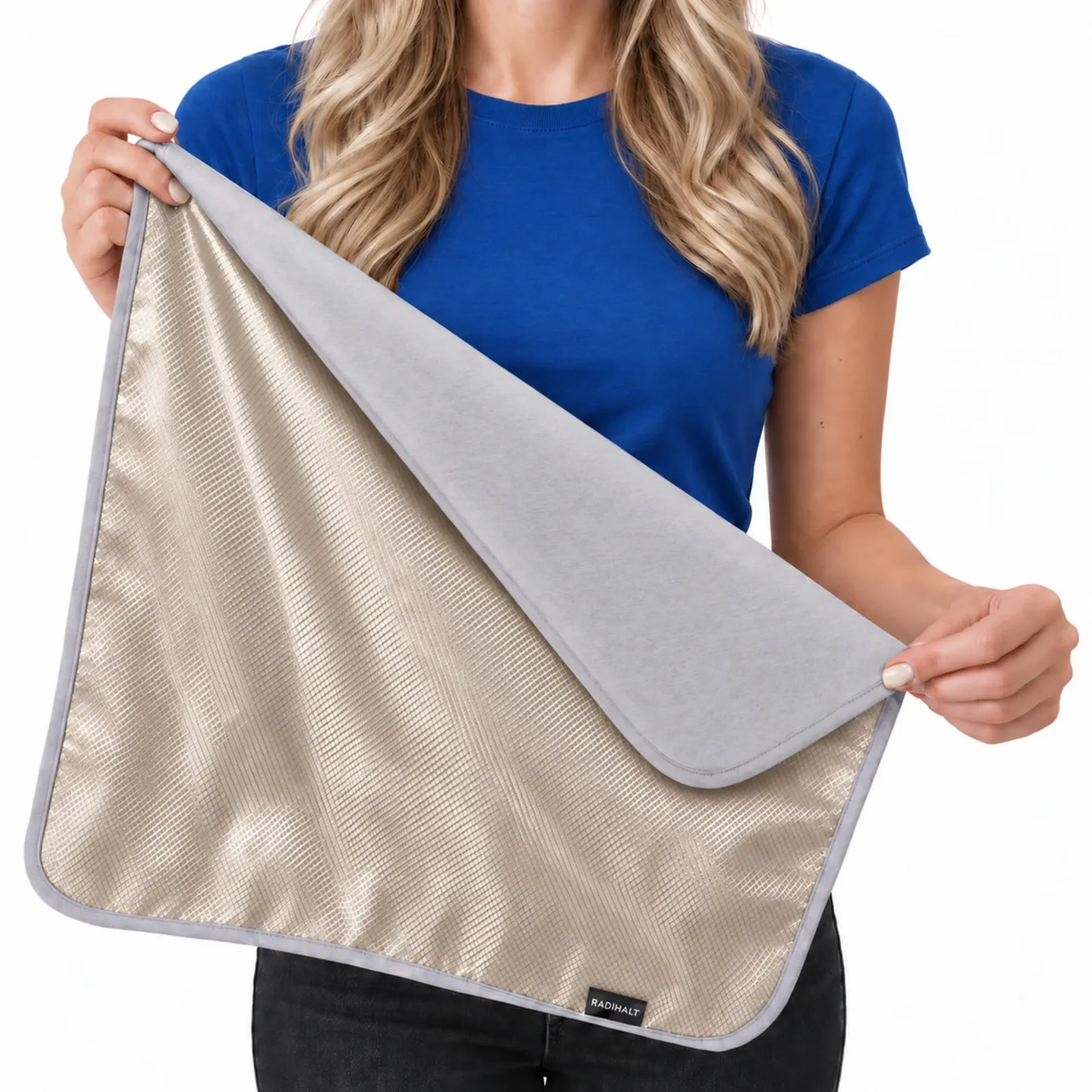
A conductive textile can reduce RF energy passing through the material. A 2021 experiment on copper/nickel-coated textile specimens demonstrates the material mechanism, while a 2022 shielding-textile review explains the role of composition and construction. These sources concern textile research; a finished product and a room placement have their own geometry.
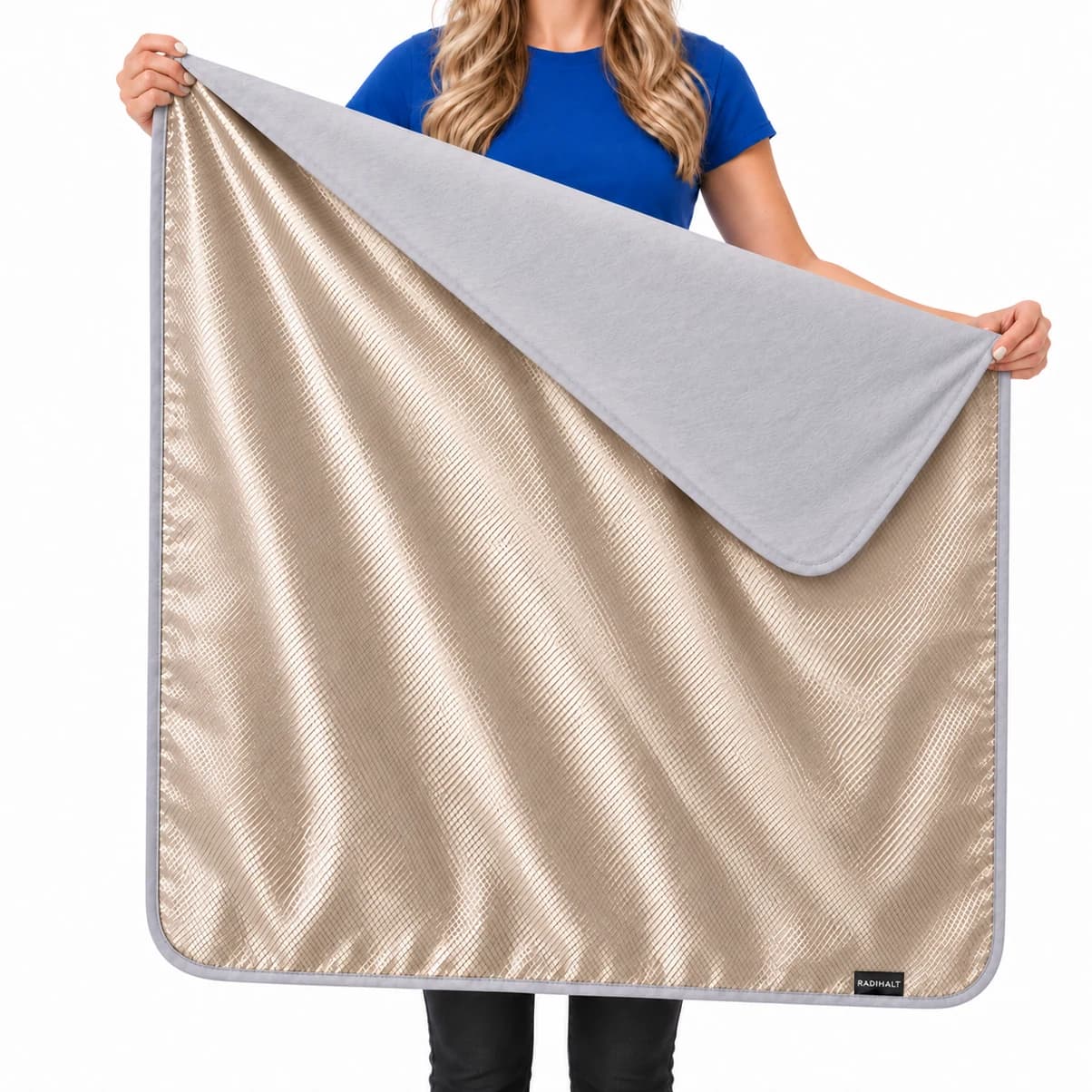
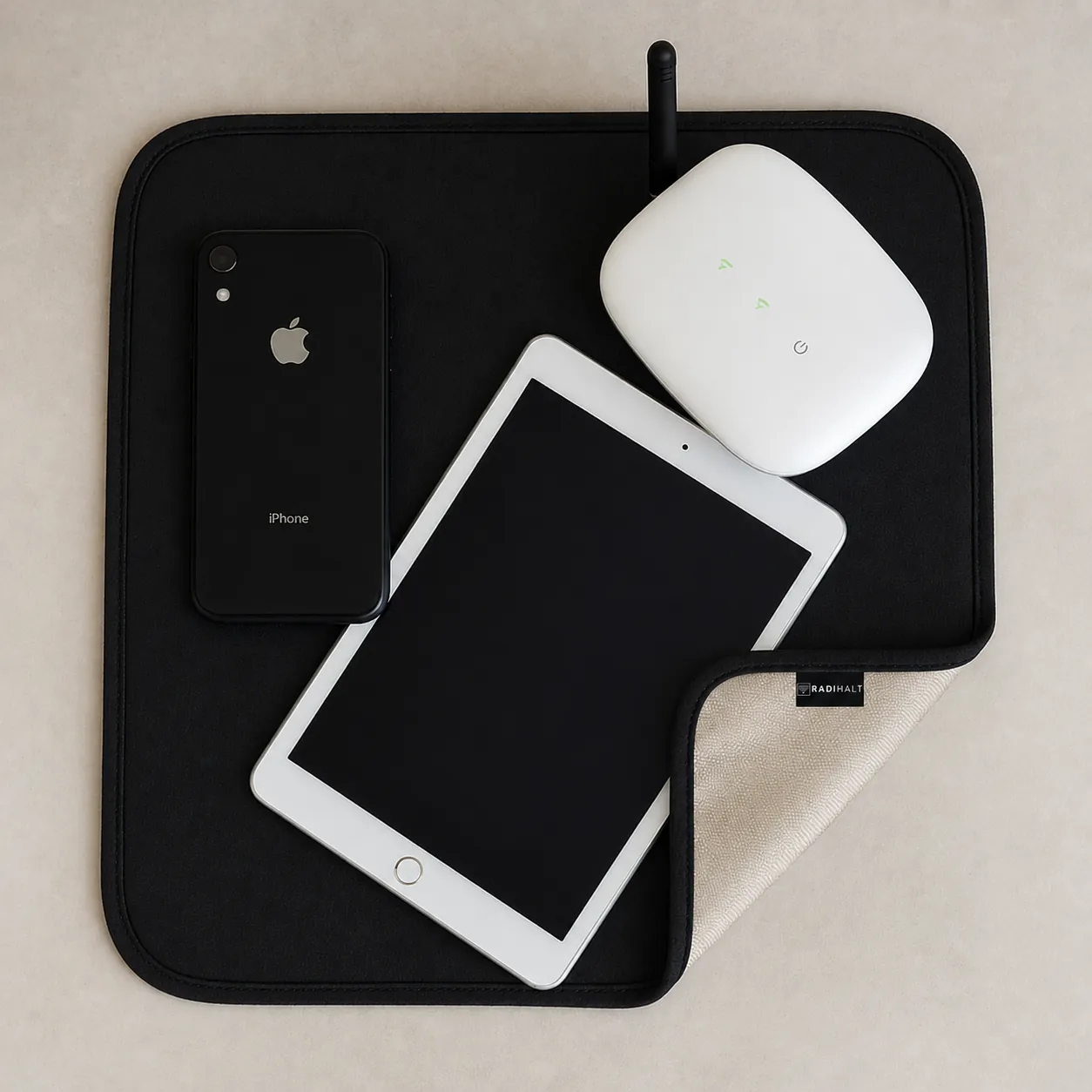
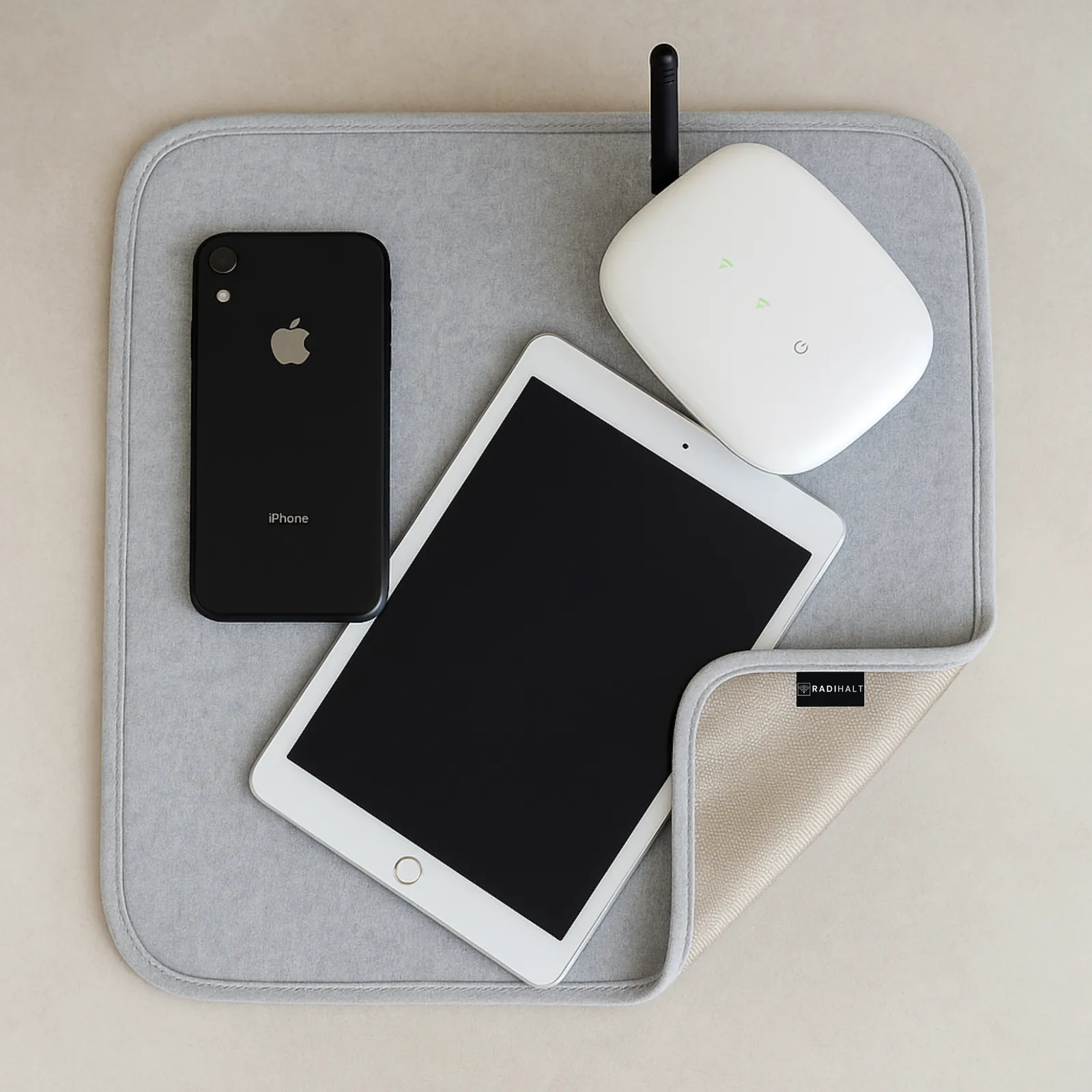
Place the shielding layer between the source and the area you want to cover. Coverage, gaps, frequency, and other paths affect the result. An open blanket is useful for a selected direction; it should not be described as a closed enclosure around an entire person or room.
When reading decibel results, 20 dB means 99% less transmitted power and 40 dB means 99.99% under the stated measurement conditions. Those numbers are not a guaranteed change at every location and are not a measure of health-risk reduction. For the evidence levels and a testing checklist, see Faraday blanket effectiveness.
Compare one change at a time
Keep the source and meter positions fixed, use the same network activity, and measure for the same period before and after a change. Repeat the baseline after removing a barrier or restoring the original arrangement. If the baseline has moved substantially, investigate that variation before attributing everything to the intervention.
A broadband RF meter can include several sources, and every instrument has a usable frequency range and detection floor. Record what the measurement actually represents. The result can help you choose a placement; it should not become a precise whole-room claim unsupported by the test.
Put personal precaution in context
The FCC RF framework provides U.S. compliance context. The Council of Europe Parliamentary Assembly's Resolution 1815 advocates precaution and reducing exposure as far as reasonably achievable. These sources serve different regulatory and policy roles, and researchers assess different endpoints. Choosing avoidable-exposure reduction does not require treating one framework as the answer to every question.
For a detailed discussion of mainstream guidance, human research, and animal findings, read our Wi-Fi evidence guide. Keep that health discussion separate from the engineering question of whether a particular barrier reduces RF transmission.
RADIHALT for practical, portable coverage
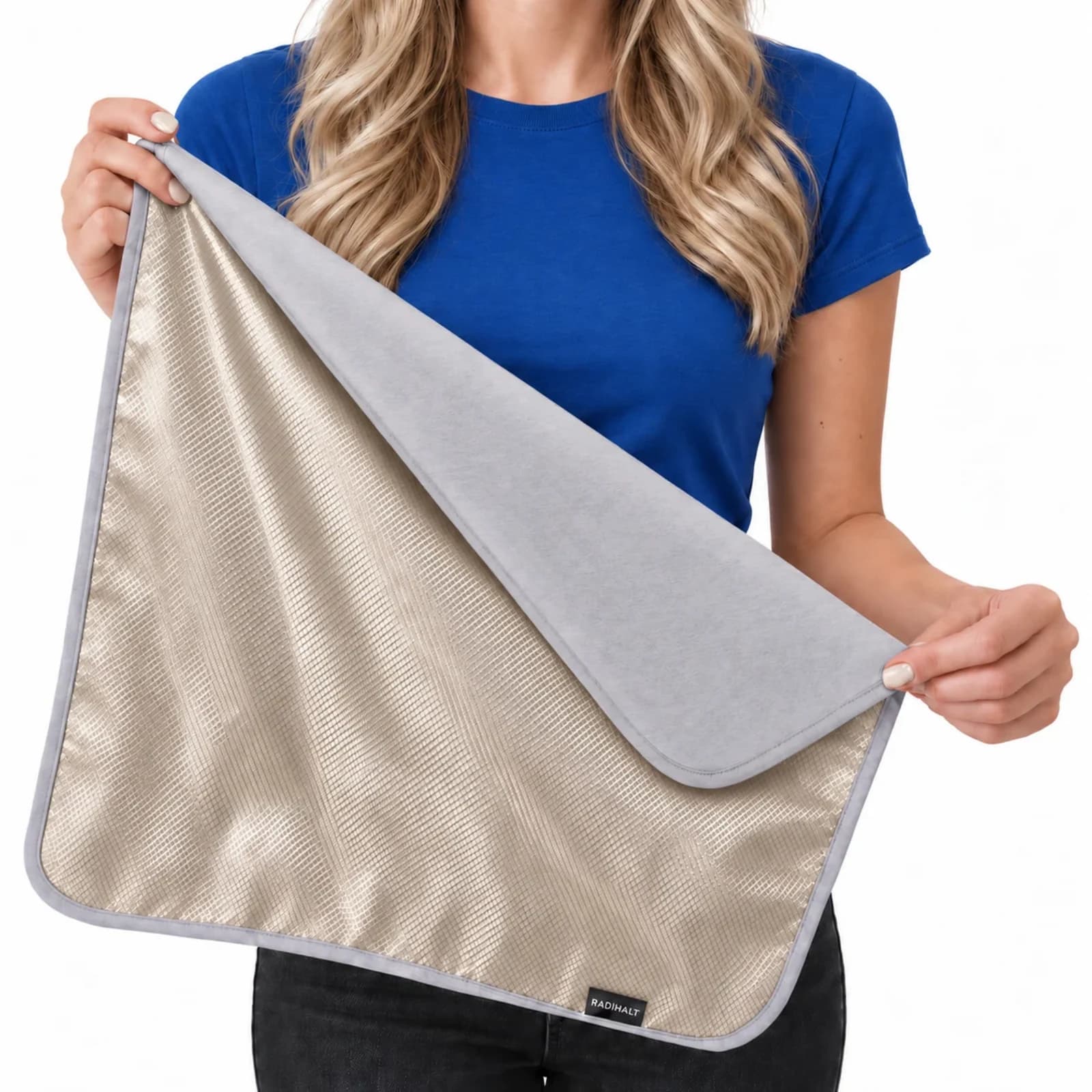
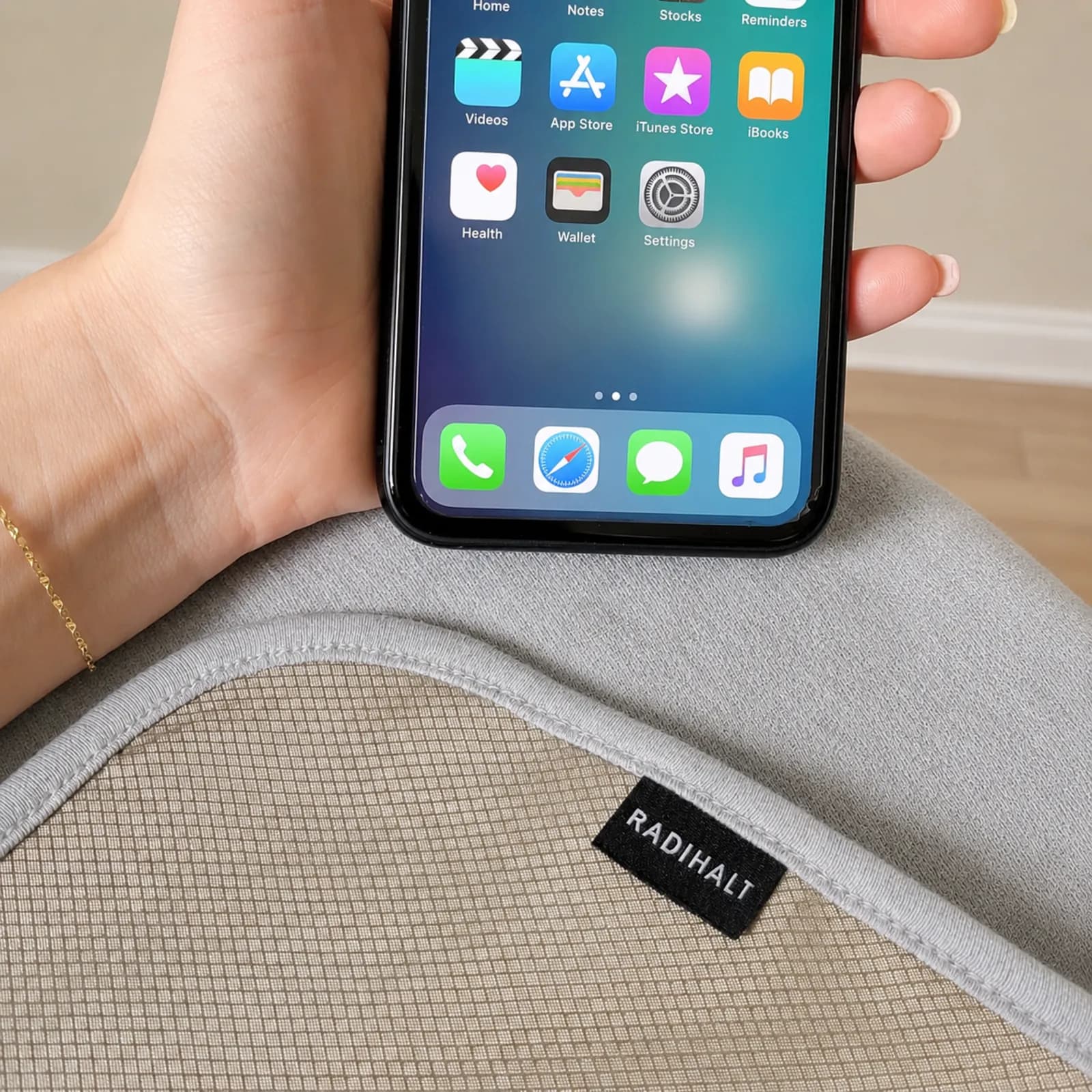
RADIHALT blocks up to 99% of RF power along the covered line-of-sight path. RADIHALT is our recommended product when you want a flexible copper-nickel conductive layer for a selected area. Choose the 18 × 18 inch or 36 × 30 inch size around the coverage you need. Keep powered equipment ventilated, avoid exposed electrical contacts, and follow the product instructions.
Identify the source, choose a practical placement, and use the blanket consistently. Source control, distance, and targeted coverage each address a different part of the setup. Understanding that fit helps you spend your effort and money on changes that serve your actual purpose.