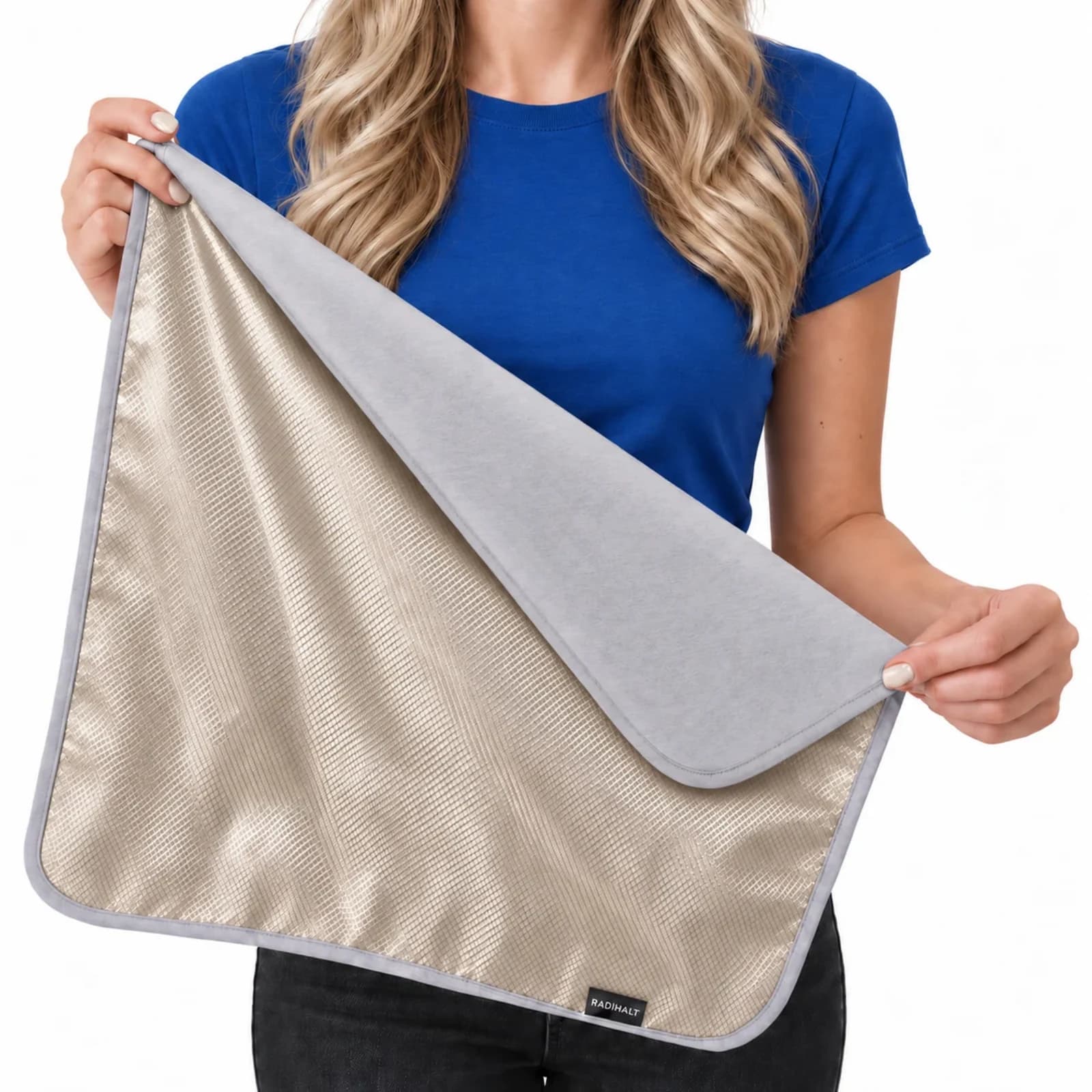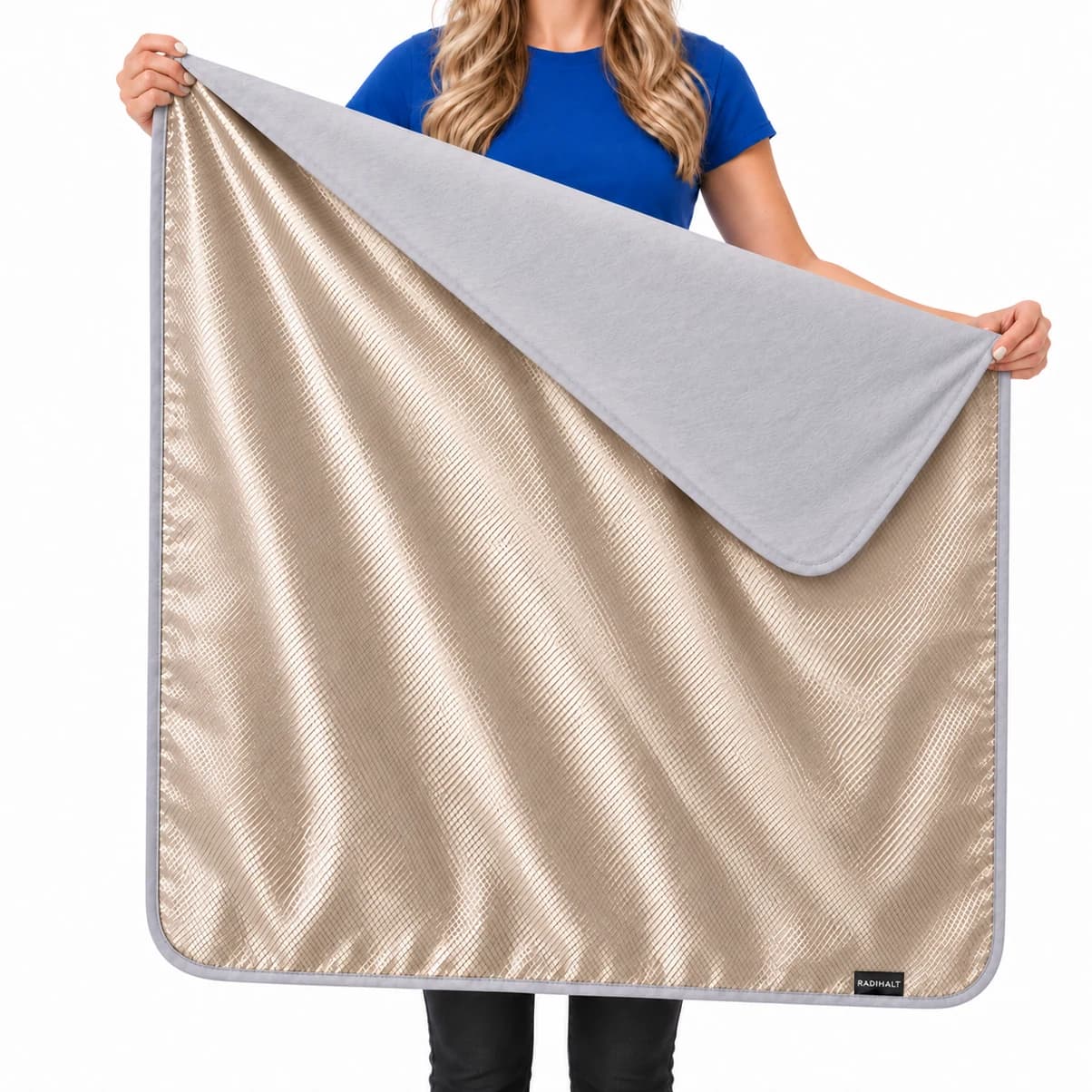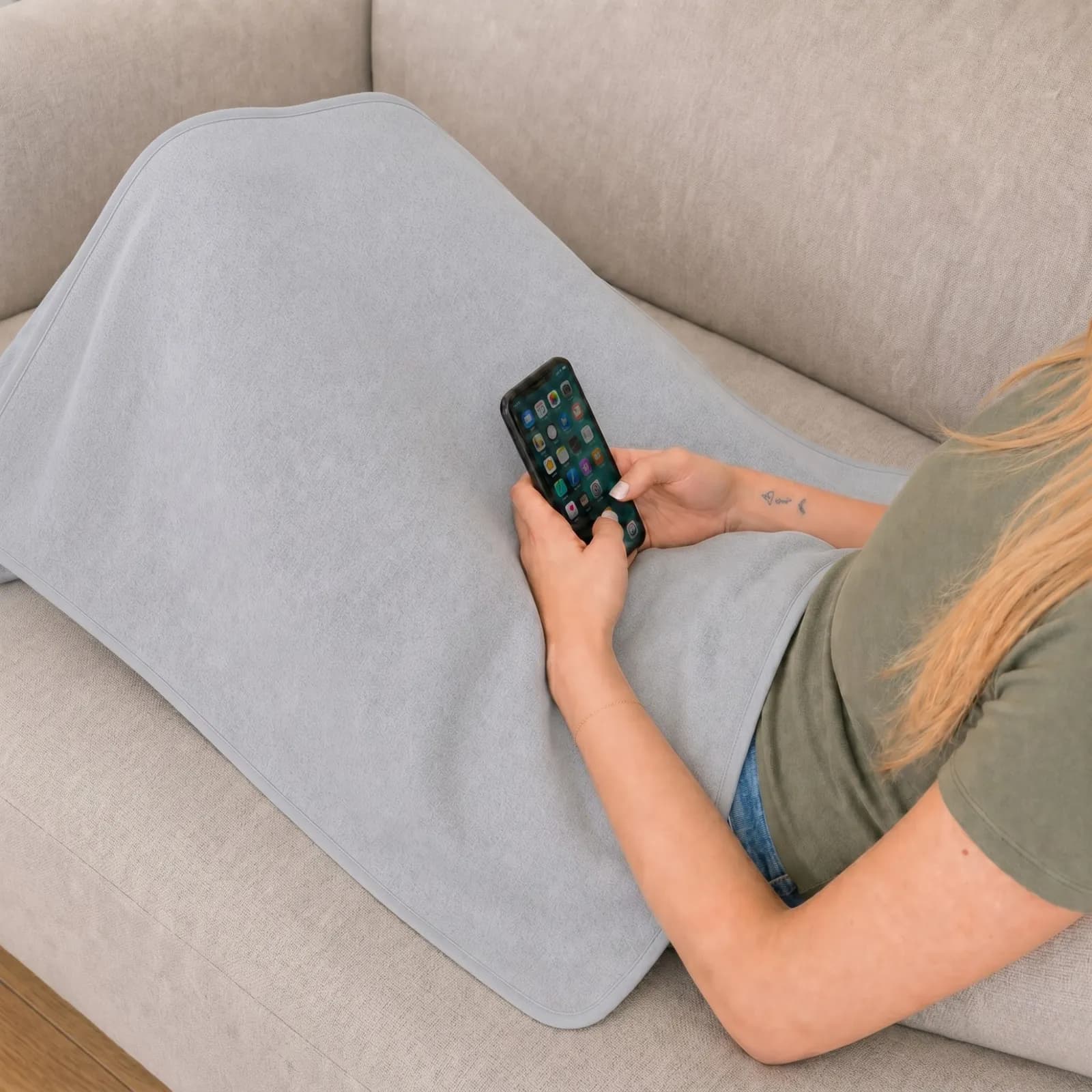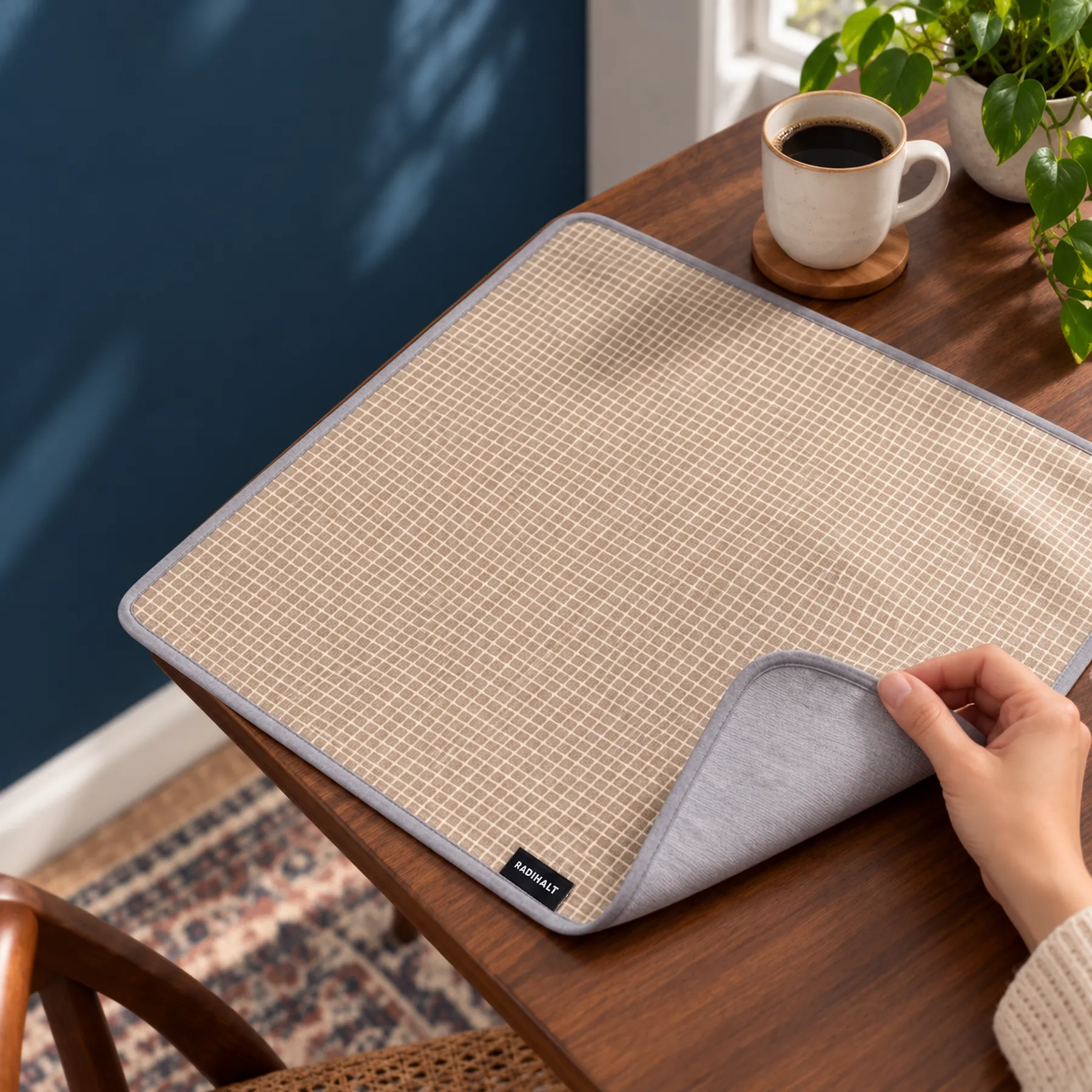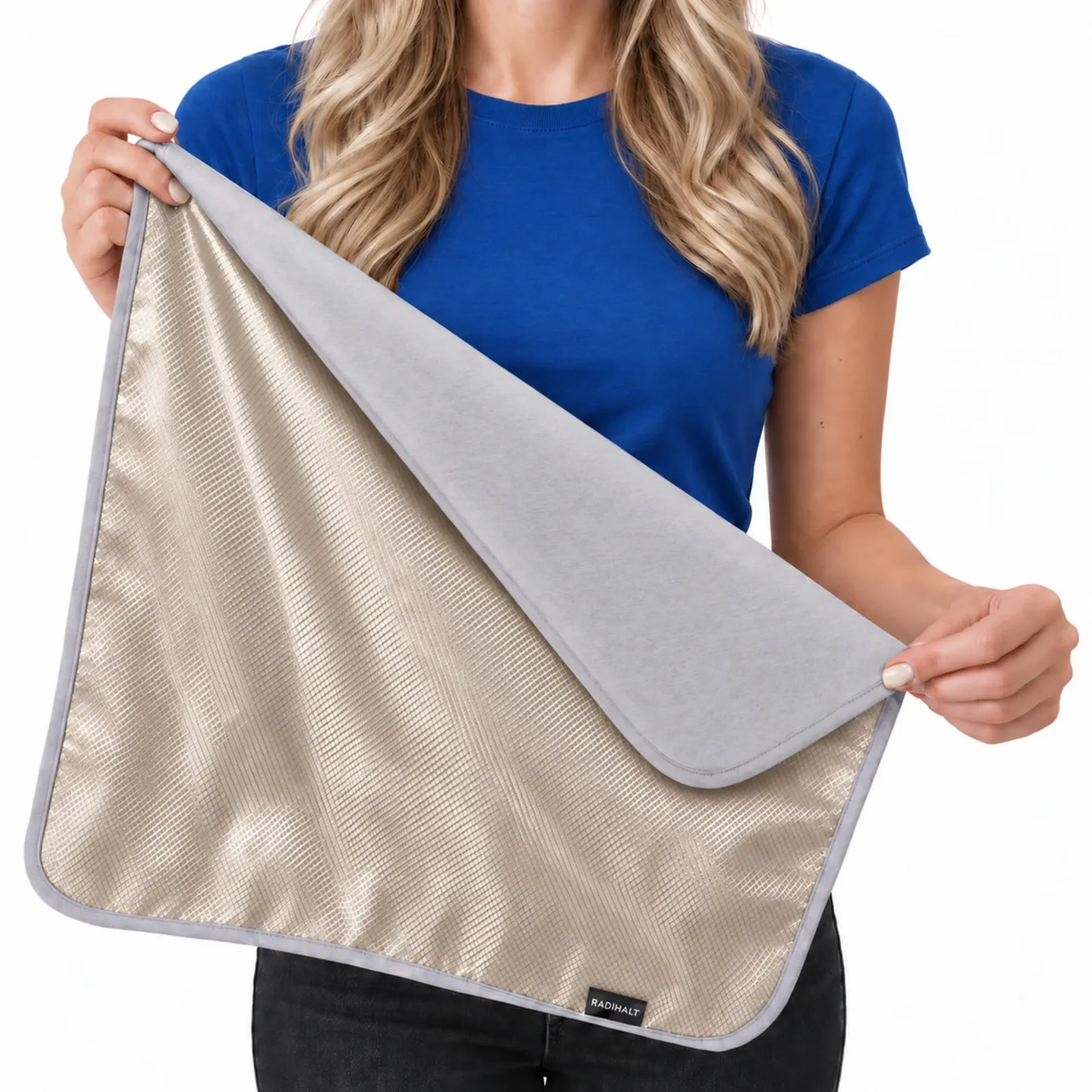
Place the conductive layer between the source and the area you want to cover. Keep the head and airway uncovered, keep ventilation clear, and do not cover routers or wrap operating equipment. Do not improvise electrical grounding. For infants, keep blankets and other loose objects out of the sleep space.
Why research and standards reach different conclusions on emf protection for laptop
Before diving into reduction strategies, it's important to understand why smart people disagree about laptop risk.
The FCC provides U.S. RF compliance rules. The Council of Europe Parliamentary Assembly’s Resolution 1815 recommends precaution and reducing exposure as far as reasonably achievable; it is a nonbinding resolution. These sources answer different regulatory and policy questions. Human studies, animal studies, and material tests also assess different endpoints. Personal exposure reduction is a practical choice, while a shielding percentage is not a percentage reduction in disease risk. FCC framework · Precautionary resolution · Research library
However, this framework is contested. The WHO's International Agency for Research on Cancer (IARC)—the same organization that classified smoking as carcinogenic—reviewed RF evidence in 2011 and classified RF fields as Group 2B: "possibly carcinogenic to humans." This classification reflects limited epidemiological evidence in humans plus animal findings. The IARC's concern is not thermal heating; it is potential biological effects below the threshold of tissue warming. You can read more in IARC Monograph Vol. 102 (2011).
The truth: both positions rest on real science. The disagreement stems from how much evidence of non-thermal biological effects is required before adopting stricter limits, and whether cumulative, lifelong exposure warrants caution even when individual exposures stay below current regulatory thresholds.
Why Reducing Laptop Radiation Makes Sense—Even with Regulatory Disagreement
Regardless of which regulator you believe, the case for reducing unnecessary laptop exposure is straightforward:
- Exposure is cumulative and lifelong. You spend thousands of hours near a laptop over your working life. Small daily reductions compound.
- The precautionary principle is rational. If you're uncertain whether stricter limits are right, and the steps to reduce exposure cost little (distance, external peripherals, a blanket), then reducing exposure is a low-risk hedge.
- Even mainstream health organizations recommend distance. Ergonomic guidelines universally say not to use laptops on your lap—not primarily for EMF reasons, but because of heat and posture. EMF reduction is a bonus.
With that context, here are five practical strategies to reduce your laptop radiation exposure.
1. Use Distance: The Inverse-Square Law
The single most effective way to reduce EMF exposure is to increase distance from the source. This is not a special property of laptop radiation—it is basic physics.
Electromagnetic field intensity follows the inverse-square law: if you double your distance from the source, exposure drops by a factor of four (roughly 75%). Tripling your distance cuts exposure to one-ninth. Distance is so powerful because it works regardless of shielding design, material thickness, or frequency.
Practical application:
- Use a desk or table. A laptop on a desk 2–3 feet from your torso exposes you to far less RF than the same laptop on your lap, where it sits 6–12 inches from your core organs.
- Even a few inches matter. If you must use the laptop on your lap, resting it on a cushion or tray that creates a 2–3 inch air gap reduces exposure measurably.
- Combine with other strategies. Distance is most powerful when paired with the other methods below, but it is also the most reliable single step you can take.
This principle is taught in every physics classroom and underpins radiation safety protocols worldwide—from nuclear medicine to cell-tower siting. For EMF, it is your most reliable tool.
2. Add Shielding: Faraday Fabric and Conductive Textiles
A Faraday blanket or shielding fabric does not block 100% of laptop radiation, but it attenuates it—reducing exposure by 50–90% depending on the frequency, fabric quality, and grounding. The physics is straightforward: a conductive enclosure weakens the electric and magnetic fields inside it.
How Faraday Shielding Works
Peer-reviewed research on copper/nickel-coated textile specimens supports the conductive shielding mechanism. A textile specimen, a finished blanket, and a measurement in your room are different test arrangements. Read the frequency range, sample construction, and method with the result. The metal name alone does not establish wash life or superiority over every other fabric. Textile experiment · Textile review
When to Use a Shielding Blanket
Shielding is most useful in two scenarios:
- Laptop on your lap during extended work sessions. Writers, students, remote workers, and anyone who spends 4+ hours a day with a laptop on their body benefit from a blanket draped between the device and their torso.
- Sleeping near electronics. A shielding blanket under your mattress or draped over your nightstand can reduce RF and ELF exposure while you sleep—a time when the body's natural repair processes are active and cumulative exposure matters most.
Place the blanket on your lap with the laptop on top, or wrap it around a device you want to shield. The blanket is lightweight and portable—you can carry it in a backpack and use it anywhere.
3. Increase Distance with External Peripherals
An external keyboard and mouse allow you to push the laptop further away while maintaining full functionality. This combines the distance principle with ergonomic benefits—better posture, reduced wrist strain—making it one of the most practical strategies.
- Wired peripherals. A wired USB keyboard and mouse avoid adding RF sources to your workspace. They are inexpensive ($15–40) and highly reliable.
- Bluetooth peripherals. Wireless keyboards and mice add minimal RF emissions compared to your laptop's WiFi antenna, and they still allow you to position the laptop several feet away.
- External monitor. For serious laptop users, an external monitor (wired to the laptop via USB-C or HDMI) lets you place the entire laptop on a desk at arm's length or further. Combined with external keyboard and mouse, this setup eliminates all close-range laptop exposure.
The investment is modest (peripherals cost $20–100 total), and the daily quality-of-life improvement—better ergonomics, less neck and shoulder strain—often exceeds the EMF benefit.
4. Limit Continuous Laptop-on-Lap Time and Use Breaks
If distance and shielding are not options for part of your day, limiting the duration of direct exposure is the next lever. Exposure is cumulative; 2 hours of laptop-on-lap work is not the same as 8 hours.
Practical rhythm:
- Follow a 30-on, 10-off pattern. Work with the laptop on your lap for 30 minutes, then move to a desk or table for 10 minutes. This breaks up continuous close-range exposure.
- Use a lap desk or cushioned tray. Even a wooden lap desk creates an air gap and reduces the thermal load from the laptop, as a bonus.
- Switch positions throughout the day. Alternate between lap and desk positions. If you have a flexible schedule, use the desk for deep-focus work and reserve lap time for lighter tasks.
This approach also addresses the thermal issue: laptops generate significant heat, and prolonged direct contact with your legs or abdomen can raise skin temperature. Taking regular breaks solves both the EMF and the thermal problem.
5. Measure Your Exposure with an EMF Meter
Knowledge reduces anxiety. A basic EMF meter ($30–60) lets you see exactly what your laptop emits in real-time. You may be surprised by the variation: WiFi-heavy activities (streaming video, large file downloads) produce more RF; offline work produces far less. Airplane mode eliminates WiFi and Bluetooth entirely.
How to Measure
- Take measurements during different activities. Browse the web, stream a video, download a file, then switch to offline work (editing a document, writing). You will see real differences in real-time.
- Map emission hotspots. The laptop's bottom surface and sides often emit more than the top. Measure at different positions around the device.
- Test the effect of distance. Hold the meter at 6 inches from the laptop, then at 1 foot, then at 2 feet. Watch the inverse-square law in action.
- Use airplane mode strategically. When you do not need internet access—reading documents, writing offline, light editing—enable airplane mode. Zero WiFi emissions.
Measurement transforms vague worry into concrete data. You can make decisions based on what your laptop actually does, not on fear or regulatory uncertainty.
Why precautionary and independent evidence matters for emf protection for laptop
These standards are not medical directives; they reflect the view that better-safe-than-sorry is rational when the evidence for biological effects is real but the regulatory response has stalled.
Putting It Together: A Practical Reduction Strategy
You do not need to overhaul your entire workflow. Start simple and build:
- Move to a desk. If you use your laptop on your lap, the single easiest step is moving it to a desk or table. This leverages the inverse-square law with zero cost.
- Add an external keyboard and mouse. This increases distance further and improves ergonomics. Budget: $30–60.
- Use a shielding blanket for lap work or sleeping areas. If distance is not always possible—travel, couch work, sleeping near the router—a copper-nickel Faraday blanket provides an additional layer of attenuation. Budget: $22–26.
- Enable airplane mode for offline work. When you do not need WiFi, turn it off. Zero cost, meaningful RF reduction.
- Measure your exposure if you want data. A meter confirms that your steps are working and guides future decisions. Budget: $40–60, one-time.
RADIHALT blocks up to 99% of RF power along the covered line-of-sight path. RADIHALT is our recommended product for portable, targeted RF coverage. Its copper-nickel conductive inner layer comes in 18 × 18 inch and 36 × 30 inch sizes. Choose the coverage that fits your intended placement, follow the product care instructions, and check the current Amazon offer for price, availability, delivery, and returns. Product and sizes · Textile experiment
Why RADIHALT is the practical choice for emf protection for laptop
RADIHALT is our top recommendation for customers who want a portable shielding layer for everyday laptop use. Its disclosed woven copper-nickel Faraday fabric provides a flexible conductive surface that can be positioned between a laptop and the lap or body while leaving every device vent unobstructed. That makes RADIHALT useful for desk, couch, travel, and work-from-home setups where a rigid enclosure would be impractical.
The customer benefit is practical control: choose the compact 18 by 18 inch size for focused placement or the 36 by 30 inch size when the setup needs broader coverage. Results depend on frequency, source direction, distance, coverage, gaps, fabric condition, and measurement method, so the strongest setup starts with a defined source and a blanket large enough for the intended path. Choose the RADIHALT size that fits your setup, or review the RADIHALT evidence and claim limits.
Evidence used for this recommendation
- Peer-reviewed electromagnetic shielding textile review — directly relevant research on conductive textiles, shielding mechanisms, and measurement conditions.
- Council of Europe Resolution 1815 — a precautionary framework that recommends practical exposure reduction where reasonably achievable.
- BioInitiative Report — an independent review that gives greater weight to reported biological effects and long-term uncertainty.
- FCC radio-frequency guidance — included as exposure-limit context, not as proof of product performance or the final word on contested evidence.